
PC price comparison from multiple retailers
Compare part prices while you build. BuildCores shows supported retailer offers, regional pricing, and the total build cost as you swap parts.
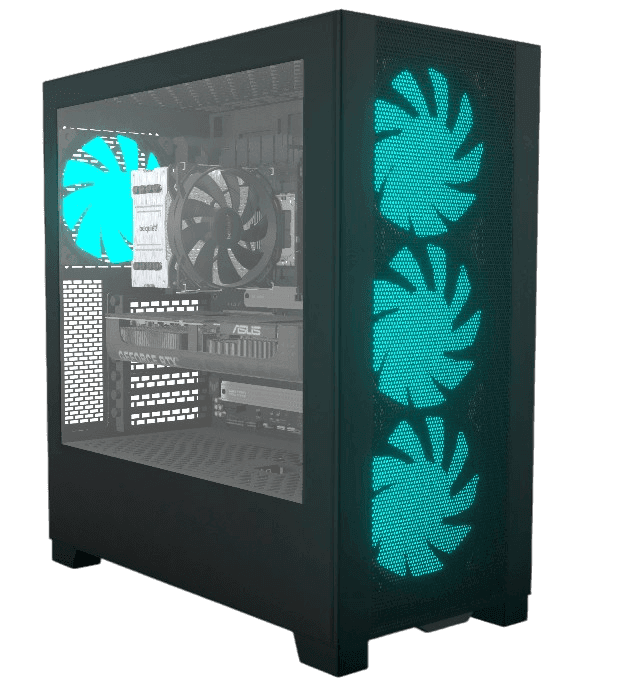






Why builders use it
BuildCores keeps the planning tools close to the parts list, so you can check the build, change a part, and keep going without rebuilding the plan somewhere else.
Retailer comparison
See available retailer offers on part pages so you can compare price, stock, shipping, and promos.
Build total tracking
Keep the full PC cost in view while swapping CPUs, GPUs, cases, coolers, and other components.
Price history
Use price history and sales pages to tell whether a part is actually discounted.
Where it fits in BuildCores
Use these tools while you are choosing parts, checking the 3D view, comparing prices, or planning the desk around the PC.
Stop checking stores one by one
A single build can span several retailers. BuildCores keeps pricing next to the parts so you can compare options faster.
Shop by region
Regional BuildCores domains and retailer data help you compare prices from stores you can actually use.
Compare specs and cost
Use the compare tool and product pages together when the best value depends on both specs and price.
PC Price Comparison FAQ
Which retailers does BuildCores compare?
BuildCores supports major US retailers and regional stores in several markets, including examples such as Amazon, Newegg, Best Buy, Walmart, Scan, Caseking, ProShop, and more.
Can I compare prices for an entire PC build?
Yes. Build pages keep a total price visible as you choose and swap components.
Does BuildCores show price history?
Yes. Supported part pages include price history views so recent movement is easier to evaluate.
Explore more BuildCores features
The other feature pages cover nearby steps builders often check before they buy.
3D PC Part Comparison
Learn how to compare PC parts in 3D with side-by-side dimensions, specs, fit context, PC case size comparison, and supported comparison presets for GPUs, coolers, monitors, desks, and more.
ExplorePC Case Size Comparison
Compare PC case sizes in 3D with dimensions, footprint, GPU clearance context, cooler clearance context, and side-by-side case scale before choosing a chassis.
ExplorePC Fan Simulator
Use BuildCores as a PC fan simulator to preview case airflow, fan direction, radiator placement, and cooling layout in a 3D PC build.
ExploreRGB Simulator
Preview RGB PC lighting in 3D with SignalRGB effects, custom colors, brightness controls, and lighting zones before buying parts.
ExploreSetup Builder
Plan a complete gaming setup with PC builds, desks, monitors, peripherals, and accessories using BuildCores and Setup Builder.
Explore